Blender Addon
Try different looks.
Compare. Pick the winner.
Snapshot records the current state of your scene as you work — saving every light, camera angle, and material as a visual reference you can restore at any time. Explore freely, compare your options, and commit to the strongest version.
Shoot.

Hit Shift+\ and Snapshot captures a visual record of your scene's current state. Make changes, hit it again — now you have two versions. Each snapshot shows exactly how that iteration looked, and clicking it restores the full scene state.
Each save generates a new entry. Nothing is overwritten — your complete exploration history remains available.
Unlike a photograph, restoring a snapshot doesn't just display an image — it reconstructs every light position, every camera parameter, every material setting. You can continue working from that exact state.
Compare.


The filmstrip in the Image Editor displays all your snapshots as thumbnails. Click any thumbnail for a larger preview, or place two side by side for direct comparison — similar to reviewing selects in Capture One after a photo shoot.
Press Alt+\ to cycle through snapshots directly in the viewport — a quick way to do live A/B comparisons without opening the Image Editor.
Narrow down.

Mark your best options with a star, then advance to the next round. Everything without a star drops out. Repeat until a single winner remains — then render it directly.

Render the winner.
When you're down to one snapshot, hit render. Snapshot restores the scene state, locates an available render slot, and starts the render. From final pick to pixels in one step.
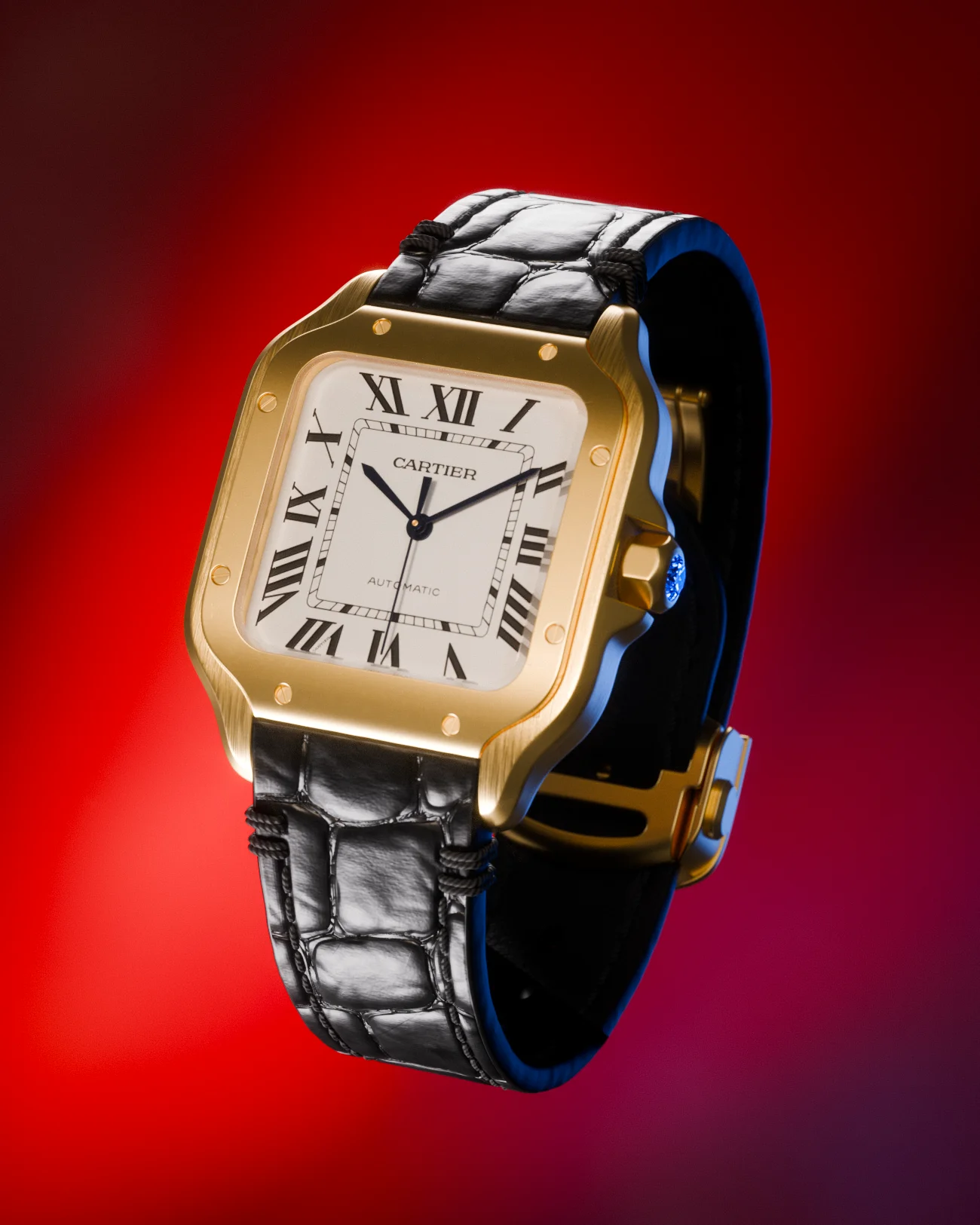
What gets saved.
Every property that contributes to how your scene looks is captured — not the geometry, but the entire look built around it.
What Snapshot is not.
Snapshot is not a preset system for reusing lighting across different scenes. It's a look development tool — each snapshot is stored within the scene file itself, capturing the complete visual state so you can explore multiple directions, compare them, and settle on the strongest version.
Keyboard shortcuts.
All shortcuts are customizable in addon preferences.
Works with.
Blender 4.0 — 5.1. Cycles, EEVEE, Workbench.
Light Wrangler — flags, reflectors, and stencils are automatically captured in every snapshot.
PolyDome — dome objects, scene properties, and compositor settings are preserved and restored.
Requirements & Support
Blender 4.0 or newer. Windows, macOS, Linux.
Also by Leonid Altman
Looking for more addons? See resources I recommend.
Try Snapshot.
Save, compare, and commit to your scene's strongest look.